No-Cost First: Seven Settings to Review Before a UK Network Refresh
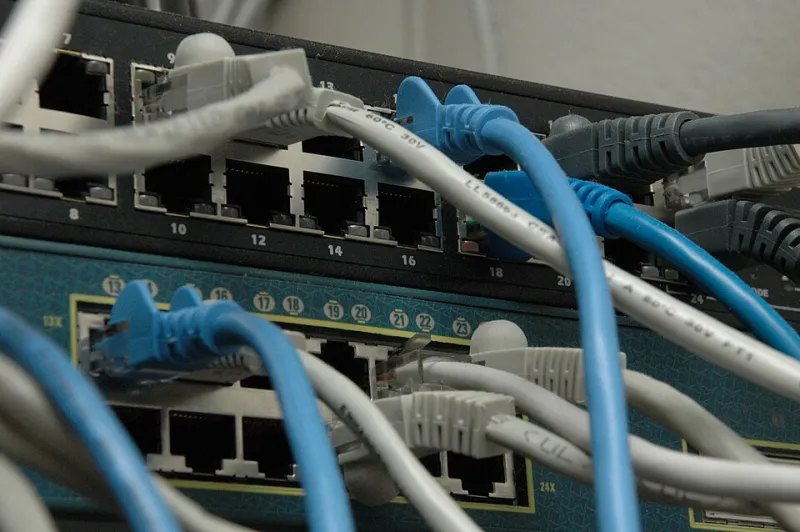
Photo: ShakataGaNai, CC BY-SA 3.0, via Wikimedia Commons
New switches and access points are easy to approve. They are tangible, they come with a quote and they feel like progress. Yet many performance complaints and support tickets trace back to configuration choices rather than ageing hardware. Before committing capital spend in 2026, UK teams should review the settings below and record what they find.
The aim is not to avoid upgrades indefinitely. It is to make any upgrade evidence-led, vendor-neutral and properly scoped.
1. DNS forwarders and resolver order
Slow browsing is often labelled as a bandwidth problem when it is a name-resolution problem. Check the DNS servers handed out by DHCP, the order of internal and external forwarders, and any stale conditional forwarders left after a cloud migration. Review query logs for timeouts and look for devices using public resolvers outside your policy. Hardware is rarely the fix unless the local network is genuinely saturated.
2. DHCP scope and lease design
An exhausted DHCP scope creates intermittent failures that look like Wi-Fi faults. Check the size of each scope, lease duration, reservations, exclusions and any overlapping ranges. In larger sites, confirm failover and split-scope design. Short leases can increase chatter; very long leases can trap stale addresses. New switches will not solve a scope that is too small.
3. Wi-Fi channel width and transmit power
Wide channels and maximum power can reduce overall performance in dense UK offices. Check whether access points are using 20, 40 or 80 MHz channels, whether 2.4 GHz is still enabled where it is not needed, and whether power settings are creating a coverage-versus-interference problem. A site survey is more useful than a new access point if the channel plan is poor. Hardware is justified when access points lack 5 GHz or 6 GHz capability, when PoE budgets are exhausted, or when coverage cannot be fixed by tuning.
4. Switch uplinks, duplex and error counters
Look at uplink utilisation, CRC errors, late collisions, discards and spanning-tree topology. Hard-coded duplex settings on one end of a link and auto-negotiation on the other can cause subtle slowness. Check PoE budget before adding cameras or phones. Persistent physical errors or an oversubscribed uplink may justify replacement, but a misconfigured link does not.
5. QoS and WAN traffic shaping
Voice and video quality problems are often caused by bulk traffic competing without policy. Check whether QoS markings are trusted, whether the WAN shaper matches the purchased circuit speed, and whether backup replication or software updates run during core hours. Review firewall throughput and session counts. If the firewall is regularly at capacity, new hardware may be appropriate; if not, fix the policy first.
6. Cloud backup and retention settings
Microsoft 365 sync is not a backup. Check whether mail, SharePoint, OneDrive and Teams data are covered by a separate backup service, how long retention lasts, and whether restores are tested. Review immutable or soft-delete settings and confirm who can change them. This is a configuration and governance issue, not a hardware one.
7. Identity and conditional access policies
Cloud slowness and security tickets often trace back to identity settings. Review legacy authentication, broad conditional access exclusions, named locations and device compliance rules. Check sign-in logs for repeated failures and impossible travel. MFA prompts on every action can feel like a performance problem. Better policy design is the answer; a new switch is not.
When new hardware is genuinely the right answer
Replace hardware when there is sustained utilisation above a sensible threshold, when equipment is out of support, when Wi-Fi coverage cannot be achieved with tuning, when PoE or port density is exhausted, or when security patches are no longer available. Use the settings review to build evidence. If the same faults persist after configuration is corrected, the case for capital spend becomes much stronger.
A short review method
Pick one site, export current configurations, compare them with the intended design and test the seven areas above. Record what changed and what improved. Repeat across sites. This is a low-cost discipline that often delivers more than a premature refresh.
A network refresh should follow the evidence, not precede it. Fixing the settings first protects the budget and makes any future purchase easier to justify.